How to choose wireless earbuds starts with where they will be worn: commuting, exercise or calls. Then compare the published battery conditions, Bluetooth version, water rating and fit rather than headline hours.
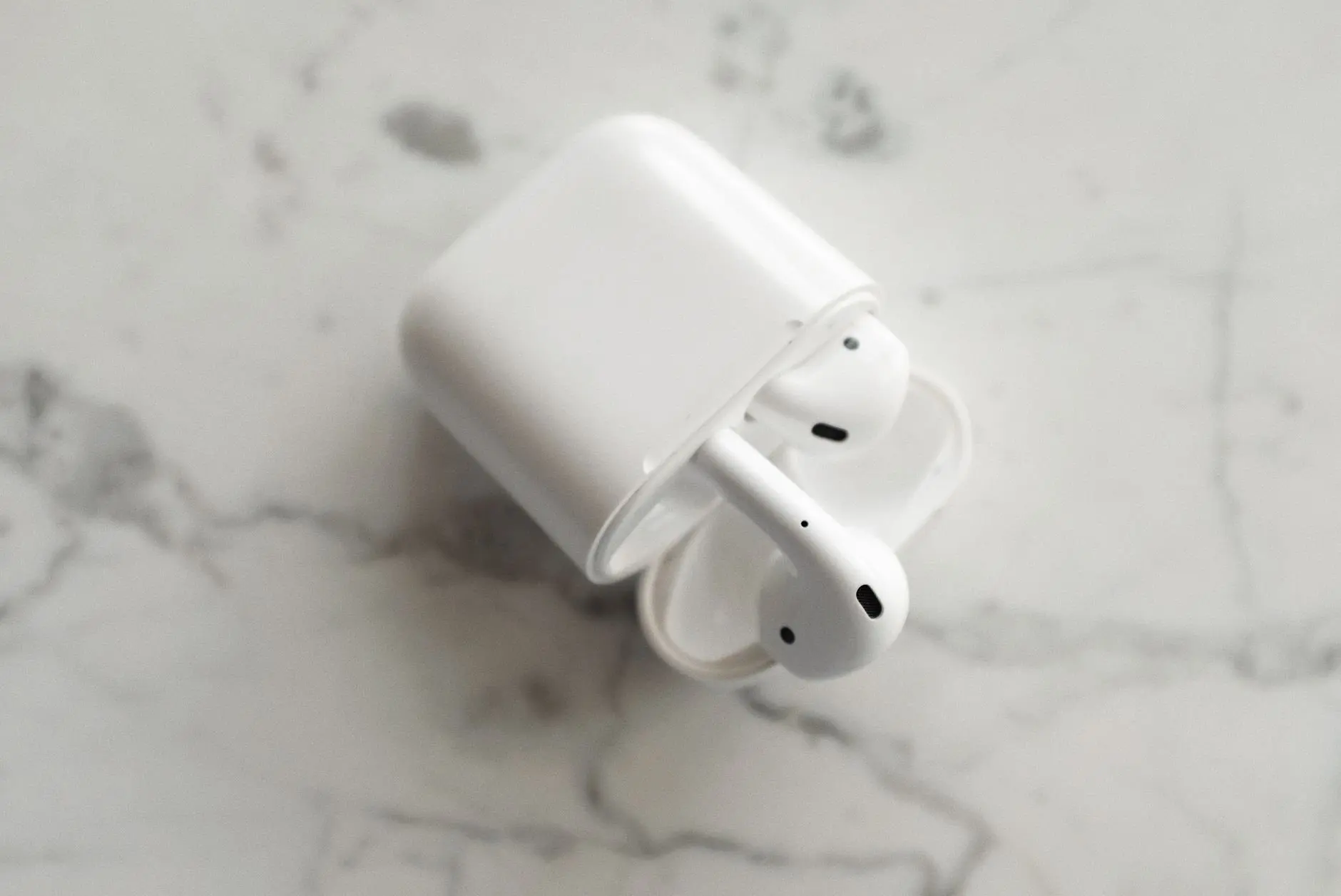
For model-by-model comparisons, the best wireless earbuds guide applies these checks to named products. This page sets out the reasoning behind them, then shows how the same spec-first habit carries over to the other everyday gadgets people shop for.
Start with the job the gadget has to do
The most useful first decision is the situation in which the gadget will be used, because that decides which specification line matters and which can be ignored. A pair of earbuds for a noisy commute and a pair for the gym can share a price and still suit opposite buyers.
Published specifications work best as a filter. Pick the one failure that would send the product back, and make that line the deciding check. The choices below show how that plays out for earbuds, using points from an earbuds buying guide.
- Commuting or a noisy workplace. Noise control is the deciding line. Check whether a model relies on a physical seal in the ear canal or adds active noise cancelling, and read the dedicated best noise cancelling earbuds guide if cancelling is the priority.
- Exercise. Fit and the water rating decide the purchase. A model can perform well technically and still feel uncomfortable or slip out during exercise, so a strong spec sheet does not settle this case.
- Calls and switching between devices. Look for multipoint, which connects to two devices at once. This suits anyone who moves between a phone and a laptop during the day.
- Long days away from a socket. Read the battery claim for its conditions, then check the charging case and port. The next section explains how.
- Listening at home more than out. Over-ear designs may suit better than earbuds. That decision is covered further down.
If two of these apply, rank them. Someone who commutes and exercises should usually settle fit first, because noise control cannot compensate for an earbud that will not stay in place.
Reading earbud specifications
Earbud spec sheets mix measured conditions with marketing shorthand, and the useful habit is to read each number together with the condition printed beside it. The subsections below take the lines that most often change a buying decision.
Battery claims and what they cover
A battery claim is only comparable when the condition is the same. The Sony WF-C710N, for example, claims up to 30 hours with noise cancelling on and up to 40 hours with it off, including the charging case. The Baseus Bass EP10 Pro claims up to 11 hours of listening from the earbuds at 50% volume, and up to 55 hours with the case, according to the buying guide that lists these figures.
Those pairs show why a large total can mislead. Total hours mean the earbuds’ own playback time plus several recharges from the case. The number that describes one outing is the per-charge figure. A shopping guide on Taobao Global gives the same advice: verify the actual playback time per charge, not just total case capacity.
Case capacity in milliamp-hours is a different measure again. The Verbex M8 is described as offering around 5 to 7 hours per charge and a 300 mAh case. That milliamp-hour figure describes the case’s battery, not hours of music, so it should never be compared directly with a playback claim.
Fast charging is worth reading as a practical figure: compare how much extra playback a few minutes in the case gives. A model with a modest per-charge claim and strong quick charging can suit a daily routine better than one with a large total that needs a long top-up.
Bluetooth version and codecs
Bluetooth 5.3 or 5.4 is the version range the buying guide cites as recent for everyday earbuds, and it may support a stable connection with low power consumption. The same guide cautions that an earbud with Bluetooth 5.4 will not automatically sound better than one with Bluetooth 5.3. The version is a sign of a modern radio, not a sound-quality score.
Listings can go higher. The Samsung Galaxy Buds4 Pro specification, as reported, lists Bluetooth 6.1 alongside an IP57 rating, six microphones and active noise cancelling. When choosing, treat the version as a floor to meet rather than a number to chase, and put the savings into fit, battery conditions or noise control.
Codecs deserve a look because they are named on spec sheets: SBC, AAC and LDAC are the ones the guide tells shoppers to check for. If sound quality drives the purchase, confirm which codecs the model offers before comparing anything else about the radio.
For multipoint, the Taobao guide advises prioritizing earbuds with dedicated multipoint Bluetooth chips for seamless device switching. A listing that mentions multipoint only in passing is a weaker sign than one that names the chip behind it.
Water and dust ratings
An IP rating says what the earbuds were rated against, and the letters set a limit as well as a promise. IPX4 means protection against splashes in practice, not immersion. IP55 offers greater protection against dust and water jets according to its stated rating, but it is not a rating for swimming. The IP57 on the Galaxy Buds4 Pro listing sits higher still on the scale printed in the guide’s examples.
The judgement here is about matching the rating to the use. A splash rating is a reasonable minimum for gym and outdoor wear, while anyone planning to submerge earbuds needs a rating that explicitly says so. A rating should never be read as permission to rinse or soak the product.
Noise control, fit and comfort
There are two ways earbuds reduce outside sound. Passive isolation works because the earbuds physically seal the ear canal. Active noise cancelling adds electronics, and the buying guide’s example of a flagship listing counts microphones and ANC support among its specification lines. Passive isolation depends entirely on fit, which is why the supplied ear tip sizes matter.
Fit cannot be read from a spec sheet, so it is the one criterion where returns policy and the range of included tips matter more than any published number. Pick the earbuds whose fit works for the shape of your ear, then use the specifications to separate the remaining candidates.
How long gadget batteries last
Gadget batteries last for a stated playback time per charge when new, and their capacity declines with age. The earbuds guide is direct on this point: battery capacity decreases over time, so a long stated playback time will not necessarily stay the same for years.
No single lifespan figure applies across earbuds, watches and power banks. The same guide says lifespan depends on charging cycles, use, volume, heat and moisture, which gives a short list of habits that matter. Avoid leaving devices in heat, avoid moisture around the case, and expect headline hours to describe the product at its best.
This changes how to read a claim. A manufacturer’s hours are a new-product figure under stated conditions, not a service-life promise. If you want a safety margin, choose a model whose stated figure is comfortably above what you need on an ordinary day instead of one that only just meets it. Product pages on other gadgets frame battery life the same way, so the habit of reading the condition beside the number applies throughout this guide.
Charging, USB-C and power accessories
USB-C is the charging port to look for on both earbuds and the accessories used to charge them, and a listing should say outright whether the product has USB-C or another charging port. Confirming that the box also contains a USB-C cable avoids a purchase that needs an extra accessory on day one, which the Taobao guide recommends checking.
The charging wattage a product supports varies from one charger or power bank to the next, so read the figure printed on the listing rather than assuming a port shape implies speed. The shape tells you the plug will fit, and the stated wattage tells you what the charger can deliver.
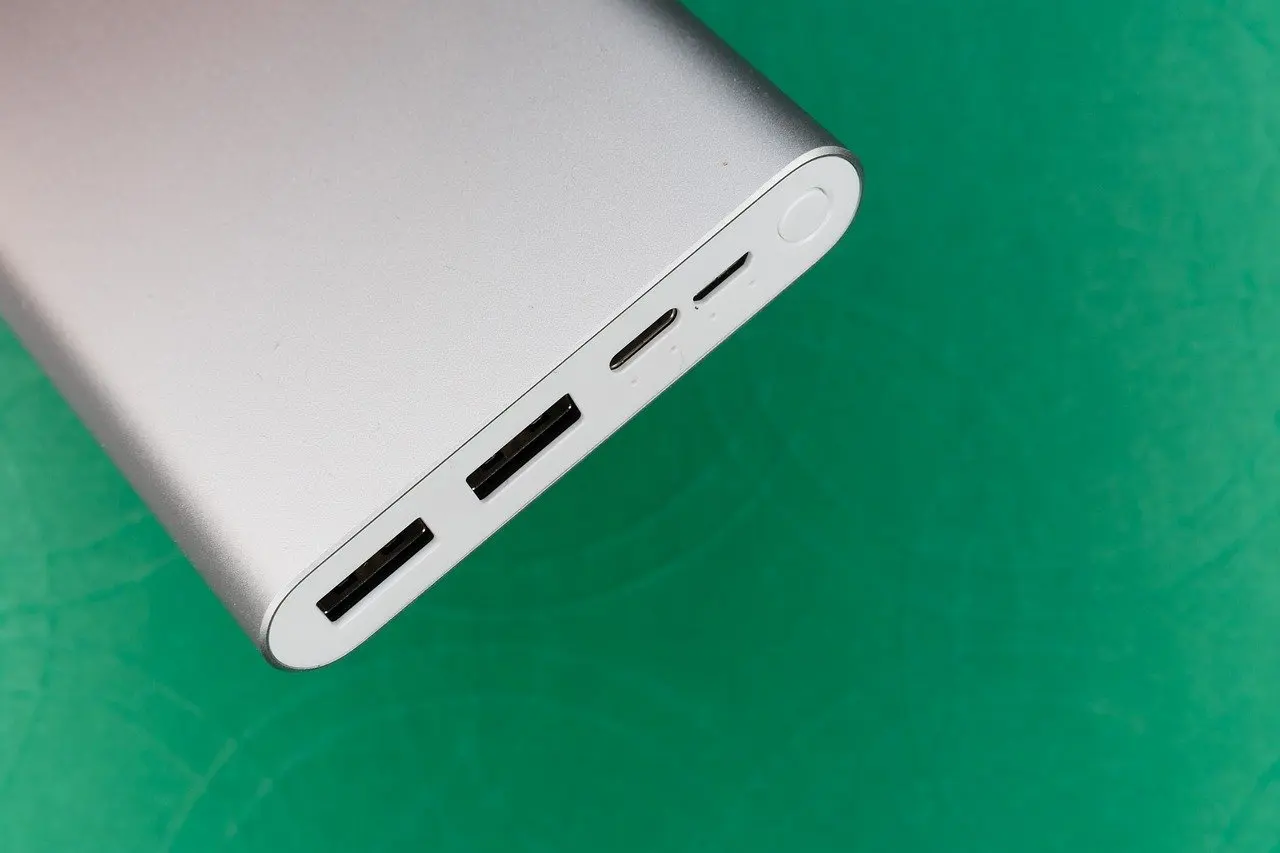
A power bank earns its place when the gadgets you carry do not last a full day away from a socket. Compare ports first, then the stated output and capacity, and see the best power bank guide for how those numbers translate into choices. Wireless charging adds convenience at a desk or bedside, and the best wireless charger guide covers what to confirm before buying one.
Wearables: smartwatches, fitness trackers and smart glasses
Wearables are judged by the same four questions as earbuds: what the battery claim covers, how it is rated against water, how it connects and how it feels over a full day. A watch or band is worn continuously, so comfort on the wrist matters at least as much as the sensor list.
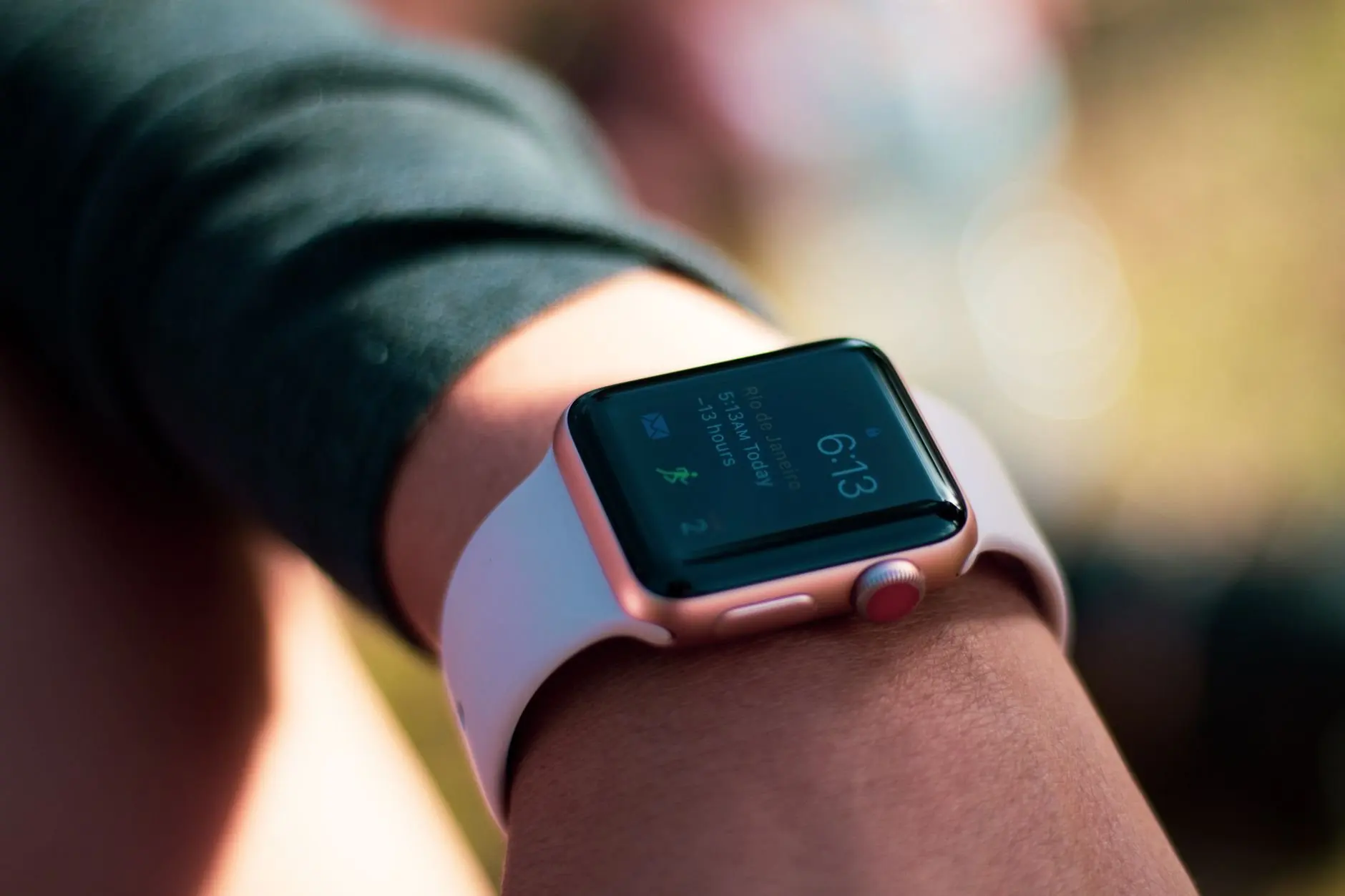
- Smartwatches. They suit people who want notifications and a wider app set on the wrist. Read the stated battery conditions carefully, and compare candidates in the best smartwatch guide.
- Fitness trackers. A simpler band can suit someone who mainly wants activity and sleep data without managing a full smartwatch. The best fitness tracker guide compares them.
- Smart glasses. This is the newest of these categories, so published specifications and what the product is actually for should be read slowly. See best smart glasses for the details.
As with earbuds, a wearable that is uncomfortable will not be worn, which makes the best spec sheet irrelevant. Check the strap or frame options and the return terms before committing.
Screens for reading and everyday computing
Tablets and e-readers both put a screen in your hands, but they answer different needs, and choosing between them is a use decision before it is a specification decision. A tablet suits mixed use such as video, browsing and light work with a keyboard. An e-reader suits someone whose main use is long reading sessions.

For a tablet, check the charging port and what the box includes, as with every device here, then use the best tablet guide to narrow a shortlist. For reading, the best e-reader guide covers what to weigh. If neither device will leave the sofa, battery claims matter less than screen quality, and the reverse holds for travel.
Audio at home and on the move
Earbuds are the most portable audio choice, but they are not always the most comfortable or the most sociable. Over-ear headphones suit long listening at a desk or on a flight, where a seal around the ear can do the work of isolation without anything inside the ear canal. The best headphones guide compares the options.
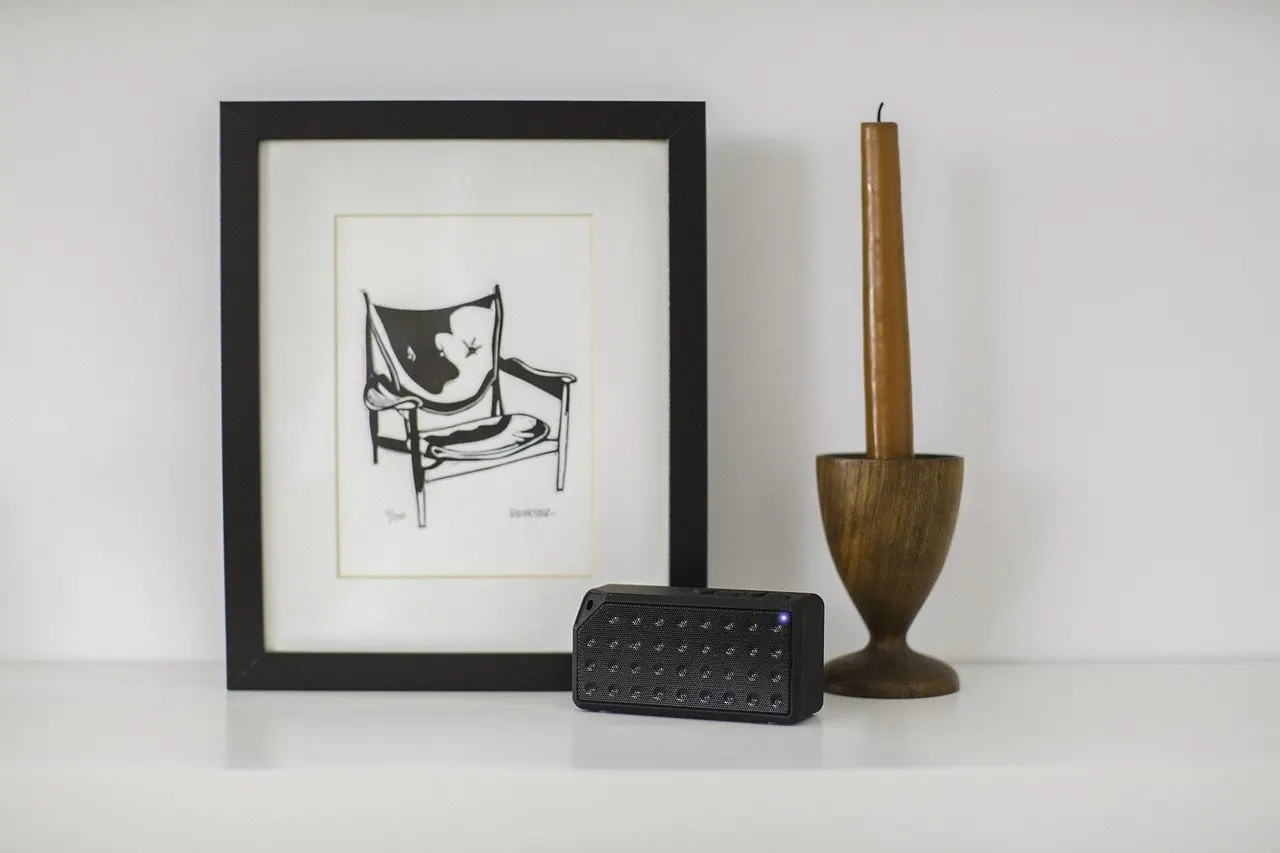
A Bluetooth speaker is the right answer when several people need to hear the same thing. Its connection and codec questions mirror those for earbuds, and its water rating should be read the same way: as a stated limit, not a general assurance. The best bluetooth speaker guide applies that reading to specific models.
Cameras, video calls and streaming
Camera and video gadgets are best chosen from the task backward. A webcam solves a video-call problem, an action camera solves a movement-and-mounting problem, and a beginner camera solves a photography-learning problem. Starting from the task prevents paying for features that do not help with it.
- Working from home. A dedicated webcam is the focused fix for calls. Compare candidates in the best webcam guide.
- Sport and travel footage. The best action camera guide covers rugged, mountable options, where water ratings should be read as strictly as for earbuds.
- Learning photography. The best digital cameras for beginners guide suits people who want more than a phone camera without a steep learning curve.
- Driving. The best dash cams guide covers in-car recording.
- Big-screen viewing. A projector suits flexible movie nights, and the best portable projector guide compares them. A best streaming device suits a television that needs access to services.
For all of these, the discipline is the same as for earbuds. Read the stated conditions behind each claim and keep your own use case in view while you do.
Home and personal care gadgets
Household and grooming gadgets reward the same approach, with one extra twist: they are used so regularly that running costs and replacement parts matter as much as the headline feature. Check what is included in the box and what has to be bought later before comparing the main spec.
- Cleaning. A robot vacuum suits homes where regular floor cleaning is the chore to remove. The best robot vacuum guide compares the options.
- Everyday power control. Smart plugs add scheduling and remote switching to ordinary appliances, and the best smart plugs guide covers the choices.
- Oral care. The best electric toothbrush guide compares models for different needs.
- Grooming. The best electric shaver guide covers shavers and related gadgets.
Comparing battery claims side by side
Putting several claims in one place shows how differently they are built. The table below uses the three earbud examples cited above, with the condition behind each figure and what it means when choosing.
| Model | Claimed figure | Stated condition | Planning use |
|---|---|---|---|
| Sony WF-C710N | Up to 30 hours with noise cancelling on; up to 40 hours with it off | Including the charging case | Compare the noise-cancelling-on figure if you plan to use it; for this model, the claim is lower with it switched on. |
| Baseus Bass EP10 Pro | Up to 11 hours from the earbuds; up to 55 hours with the case | Earbud figure measured at 50% volume | Use the earbud figure for a single outing and the case total only as a count of recharges. |
| Verbex M8 | Around 5 to 7 hours per charge; 300 mAh case | Per-charge playback; case capacity in mAh | Judge the earbuds by hours per charge. Case capacity in mAh is not a measure of listening time. |
These figures are manufacturer claims as reported in an earbuds buying guide.
The lesson from the table is that no two rows state their claims the same way. Before comparing models, convert each claim into the same question: how many hours will these earbuds play on one charge under the conditions I will actually use? Where a listing will not answer that, choose a model that does.
Frequently asked questions
Can wireless earbuds be used one at a time?
Most modern true wireless earbuds support mono mode, so either earbud can usually be used alone, according to a shopping guide. Confirm it on the specific model if single-earbud calls matter to you.
Does a warranty cover a battery that has worn down?
Most standard warranties cover defects but not natural degradation, per the same shopping guide. A battery that has simply lost capacity with age is therefore unlikely to be covered unless the terms say otherwise.
Is the charging case as water-resistant as the earbuds?
Often not. For many models the case is less water-resistant than the earbuds, and one buying guide notes the case is not designed to withstand liquids, so take care when storing and charging it.
What should be in the box with new earbuds?
Confirm that the package includes multiple ear tip sizes and a USB-C cable, as the Taobao Global guide advises. Tip sizes affect fit and passive isolation, and the cable avoids needing a separate purchase.