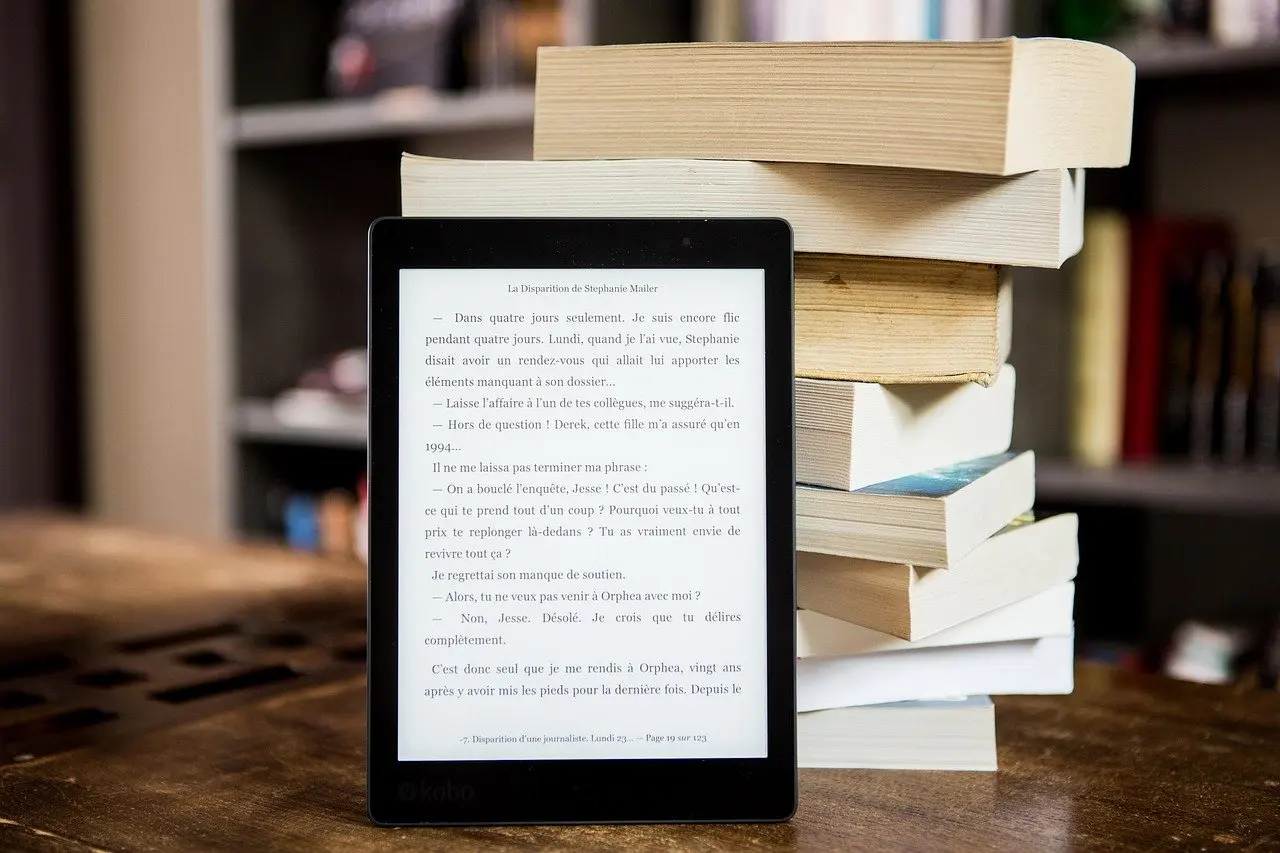
The best e-reader for most readers is a glare-free e-ink model with a front light, confirmed library-lending support and a published water-resistance rating. Color panels and large screens suit narrower needs.
Choosing an e-reader follows the same logic as other gadget purchases: match published specifications to how you actually use the device. The Everyday Gadgets Buying Guide covers that approach more widely, including how to choose wireless earbuds, and this guide applies the same method to reading devices.
How the picks are chosen
Brand reputation does not decide the order here. Published screen type, screen size, format support, water resistance and library-lending support do. These facts are not equal across every buyer, so the picks below are an ordered selection by reading need rather than a single numbered ranking. Pick the heading that matches how you read, then check the product’s own spec sheet for the details that follow.
- Screen type: monochrome e-ink and color e-paper behave differently, and the choice shapes everything else, from price to what you can comfortably read.
- Screen size and resolution: manufacturers publish size in inches and sharpness in ppi, which makes these the easiest figures to compare directly.
- Front light: a built-in light decides whether the device works in a dark bedroom or on a night flight.
- Formats and library lending: a reader is only as useful as the books it can open and borrow.
- Water resistance: only a rating published by the maker is evidence; the word “splash-proof” on a shop page is not.
- Charging: the port type and charging habits affect daily convenience more than most buyers expect.
E-ink screen types explained
An e-ink display is the paper-like screen that defines an e-reader, and the main difference between screen types is monochrome versus color. Makers of e-readers describe their energy-efficient E Ink displays as not washing out in direct sunlight, which is the practical reason people read on a beach or balcony with one when a tablet becomes hard to see.
Monochrome e-ink shows text in black on a light background and is the standard choice for novels and non-fiction. Color e-paper is the newer branch. The same industry listing names Kaleido 3 and Gallery 3 as color e-paper technologies that are becoming the new industry standard, offering 50,000+ colors at 300 PPI. That is a market claim from a trade listing, not a reason to pay more if the books you read are mostly text.
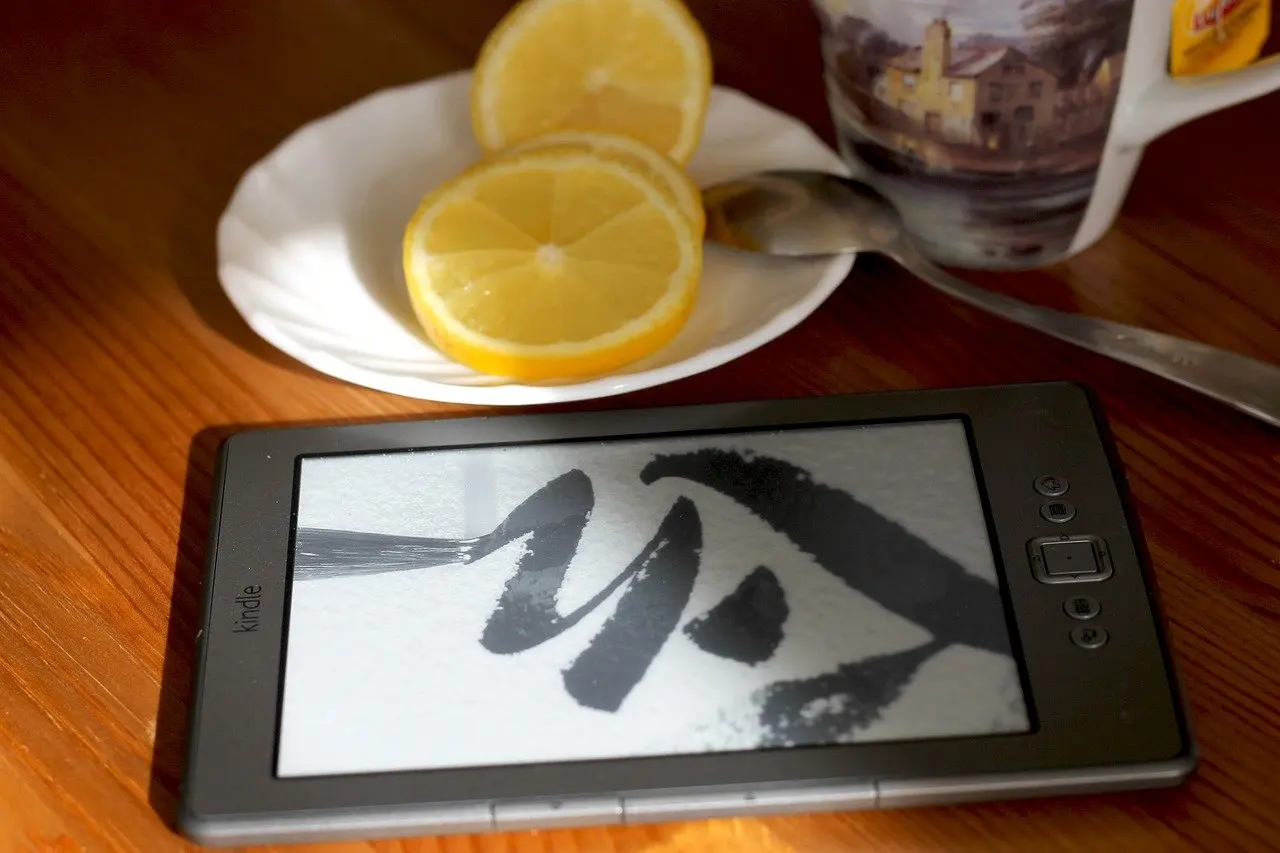
The practical differences between screen types come down to three questions. Do you need color for covers, comics or charts? Do you want the sharpest published ppi for small print? Do you need a bigger page for documents? The picks below answer those in turn.
Picks by reading need
Monochrome e-ink reader for everyday novels
A monochrome e-ink reader suits anyone who mostly reads text and wants the lowest-fuss device. Its strengths are the paper-like page and the energy-efficient display, and its limit is that illustrations, maps and comics appear in shades of grey. This is the safest default for commuters, holiday readers and anyone buying a first device, because nothing about the screen needs to be learned or managed.
Color e-paper reader for comics, covers and charts
A color e-paper reader suits graphic novels, cookbooks, magazines and study material where color carries meaning. A published panel specification of 50,000+ colors at 300 PPI is the kind of figure to look for in a spec sheet. The limit is that color e-paper is a screen for reading, not for video or fast animation, and readers of plain novels gain little from it. Buy color if you can name the content that needs it.
Large-format reader for notes and documents
A large-format reader suits people who read PDFs, papers or sheet music and who write notes. The listing describes large-format screens above 8-inch as the choice for professional note-taking. The trade-off is portability: a bigger body is harder to carry in a coat pocket and heavier in one hand. If you want apps, video or browsing on a bigger screen, a best tablet pick is a better fit than any e-reader.
Front-lit reader for evening and bedside use
A front-lit reader suits anyone who reads after dark. E-paper modules are sold with front lights; one listing shows a 2.13 inch e-paper panel with a front light, which shows that the light is an added feature of the panel rather than part of every screen. For a full-sized reader, treat the front light as a requirement unless you only read in daylight, and check whether the light is adjustable in the spec sheet.
Water-resistant reader for bath, pool and beach
A water-resistant reader suits people who read in the bath or by the water. Look for an ingress protection (IP) rating stated by the maker. For example, an anti-glare e-paper signage panel is listed as IP65 rated, which shows that makers state ratings in this form when they have one. A reader with no published rating should not be treated as safe near water, and a rating on a display panel does not carry over to a finished device.
Library-first reader for borrowing
A library-first reader suits people who borrow rather than buy. The decision here is not the screen but whether your library’s lending service supports the device or its reading software, which the next section explains. For many readers this should come before every other criterion.
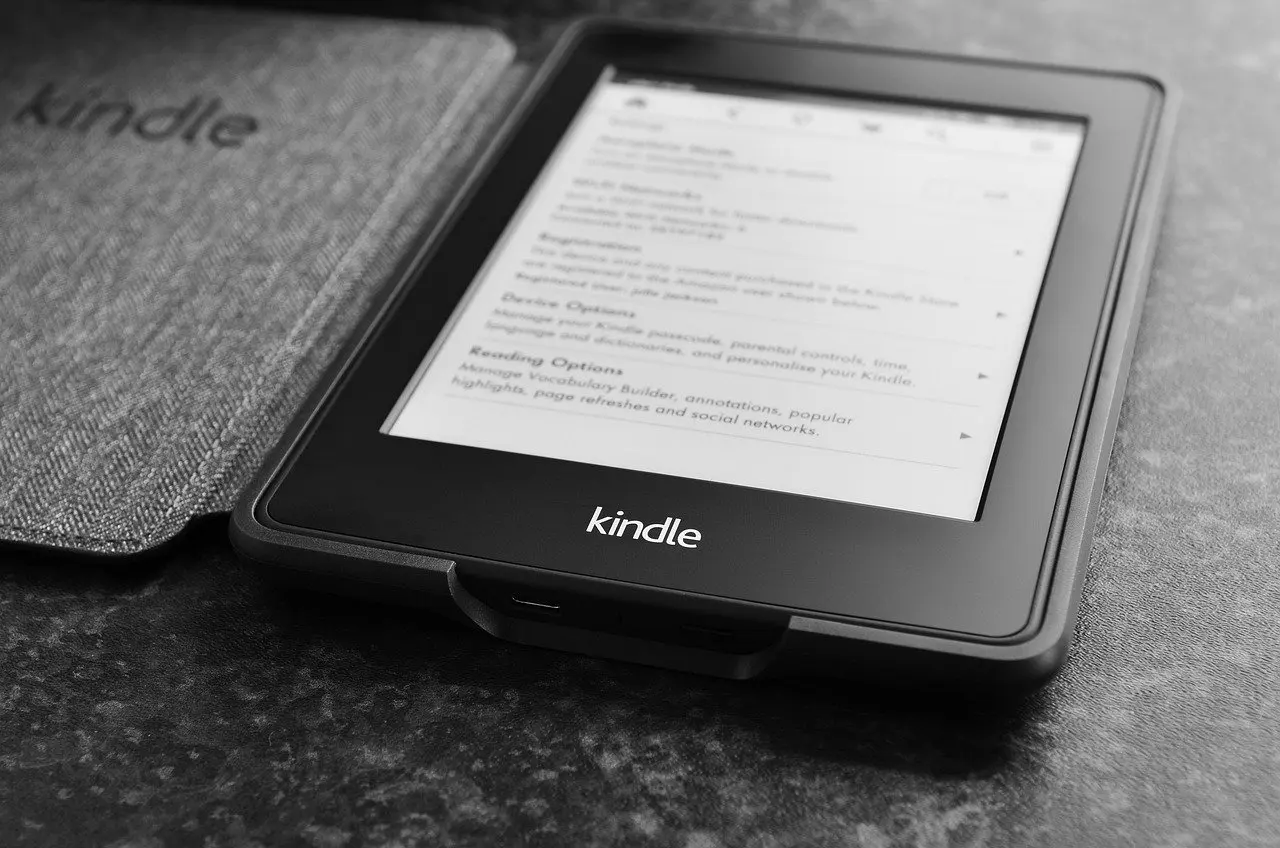
Comparison at a glance
| Reader type | Published screen detail | Suits | Planning use |
|---|---|---|---|
| Monochrome e-ink | Energy-efficient E Ink, not washed out in direct sunlight | Novels, commuting, outdoor reading | Default choice when text is the only content |
| Color e-paper (Kaleido 3, Gallery 3) | 50,000+ colors at 300 PPI | Comics, covers, charts, study material | Choose only when color changes what you read |
| Large-format e-ink | Screens above 8-inch | PDFs, documents, handwritten notes | Accept a larger body for a bigger page |
| Front-lit panel | E-paper offered with a front light | Bedside and evening reading | Treat as essential if you read in the dark |
| Rated for ingress | Ratings such as IP65 are stated by the maker | Bath, pool and beach reading | Rely only on a published rating |
The screen figures above come from an e-paper and e-reader supplier listing, so confirm the exact values against the maker’s own product page before you buy.
Library books and ebook formats
The best e-reader for library books is the one your library’s lending service explicitly lists as supported. Lending services publish help pages naming compatible devices, apps and file formats, and these pages change by country and library, so check them before comparing screens.
Format support is the second half of the same check. Compare the formats a reader opens with the formats your books and documents arrive in, since a device that cannot open your files needs conversion before you can use it. A reader with a closed ecosystem may suit buyers who buy from one store; a reader with wide format support suits people who mix purchases, library loans and personal documents.
Charging and battery habits
Charging matters less on an e-reader than on a tablet because the display is energy-efficient, but the port type still shapes daily use. Read the spec sheet for the port and prefer a reader that shares a cable with your other devices, which saves carrying a separate lead on trips.
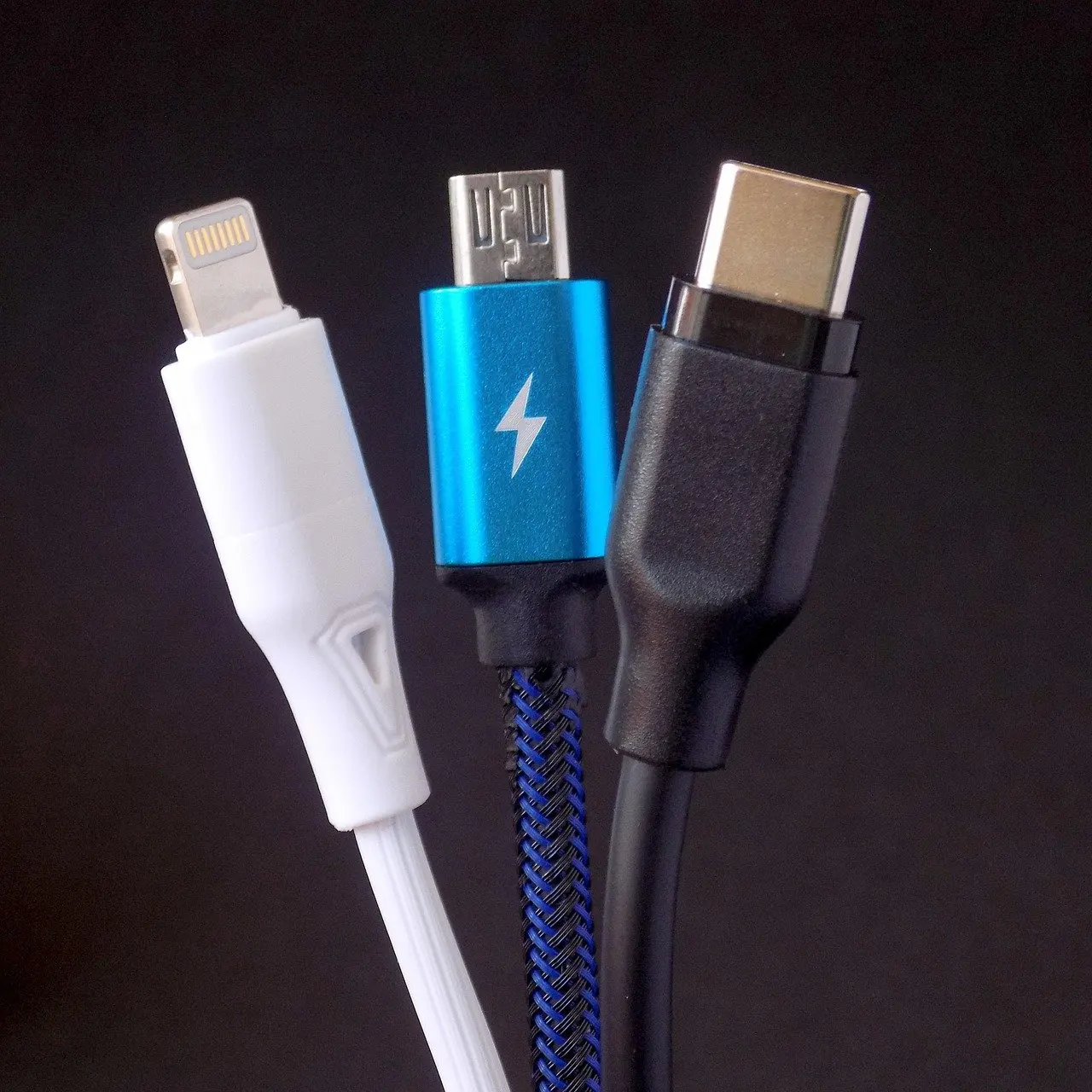
Makers publish battery life under their own test conditions, and front-light brightness and wireless use change real results. Compare battery claims between devices only when they state the same conditions, and expect heavier front-light use to shorten the time between charges.
Frequently asked questions
Is the e-reader market still growing?
Yes. A market listing puts the global e-reader market at USD 8.83 billion in 2026, growing at a CAGR of 6.24% to USD 11.94 billion by 2031. That figure is a forecast, not a guarantee about any single device.
Should I buy a color e-reader because color e-paper is becoming standard?
Only if your reading includes color content. The listing’s view that Kaleido 3 and Gallery 3 are becoming the standard describes where the market is heading, while a reader of text-only novels is well served by monochrome e-ink.
Can an e-reader replace a tablet?
It can for reading, but not for apps, video or browsing. Choose an e-reader if the main job is long reading sessions with a glare-free screen, and a tablet if you need a general-purpose device.