Facing a wall of smart gadgets with no idea where to begin? A smart home for beginners starts with one ecosystem, strong Wi-Fi where devices will sit and a simple first device, with compatibility checked before every purchase.
The route below is built around open standards so that early purchases keep working as the system grows. For a shopping-first view of the same plan, the guide to a smart home starter kit lists what to buy first. This page explains the choices behind that list.
- Choose a system. Pick an ecosystem and a main speaker or hub.
- Check the network. Confirm the Wi-Fi router reaches every room that will hold devices.
- Add simple devices. Begin with a plug, a bulb or a speaker, then add more.
- Automate small tasks. Link devices into routines that solve everyday annoyances.
What a smart home is and how it is controlled
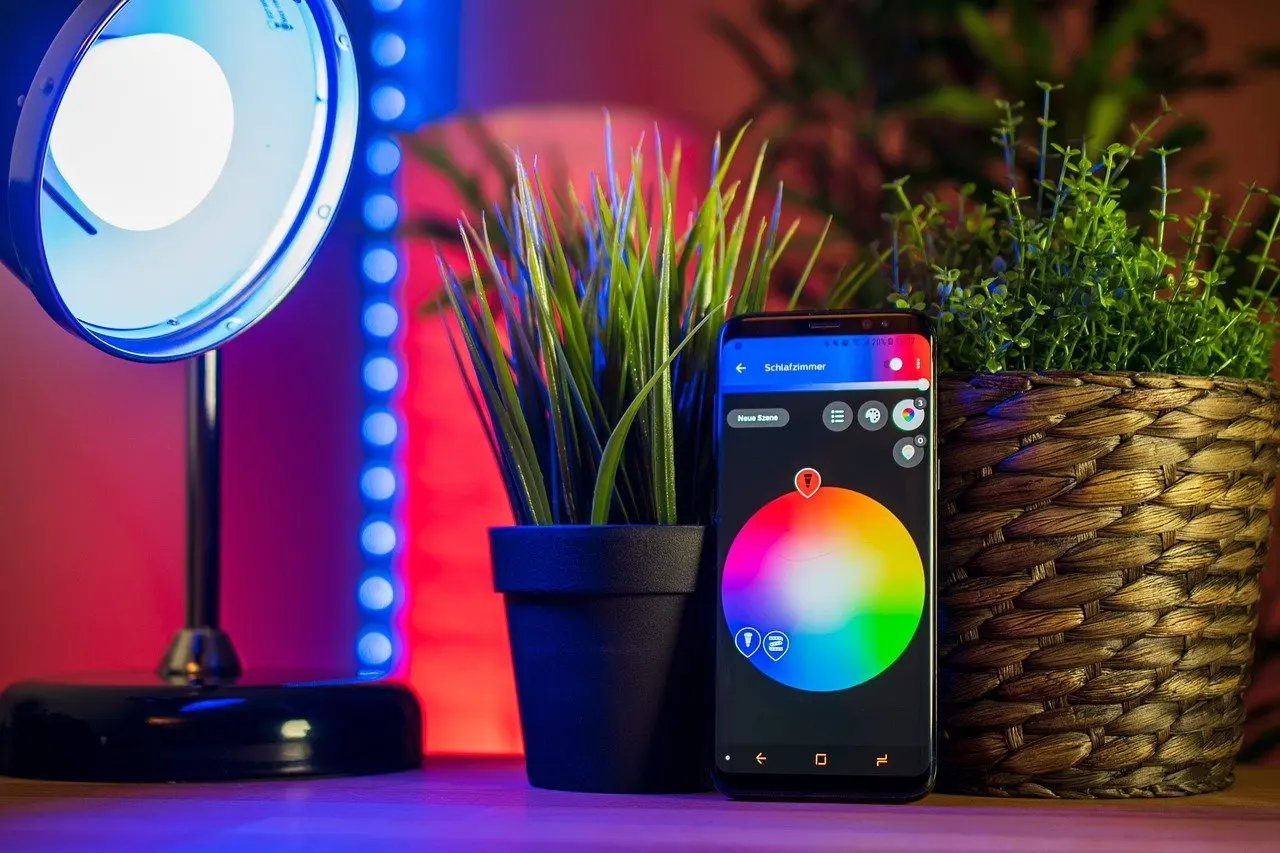
A smart home is a house equipped with internet-connected devices that communicate with each other to automate, monitor and control home functions, as a home-energy company’s setup guide describes it. Most of those devices can be controlled remotely from a smartphone app, a tablet or a voice assistant. That flexibility is the main reason beginners can start small and still see a result on the first day.
The second idea to understand is automation. Instead of controlling one device at a time, automation lets one trigger set off several actions at once, according to the same guide. A single routine might change several things together rather than needing a separate tap for each. The practical lesson is that a smart home is not one big purchase. It is a series of small decisions, and each device should earn its place by fixing a real everyday problem.

That framing also protects against the most common beginner trap, which is buying a pile of gadgets before knowing how they will work together. The sections below put the decisions in the order that keeps later options open: routes by goal, the choice of ecosystem, standards, hubs, the network and then the devices themselves.
Routes by reader goal
The best first device depends on what the household wants to fix. The routes below are ordered sequences, and each one ends by pointing to the shared foundation covered in later sections. The advice to start with the basics of lighting, heating and music comes from The Ambient’s beginner explainer, and the routes apply that idea to different priorities.
Route for the least effort
This route suits anyone who wants a visible result without learning new vocabulary or replacing hardware. Smart plugs are described as a cheap way to make regular appliances smart without replacing them, so they carry the lowest commitment.
- Start with a smart plug on a lamp or another appliance that is already in use.
- Add a smart speaker so the plug can be controlled by voice as well as by app.
- Add a bulb only when the lamp setup feels comfortable.
Households setting up for an older relative can read the guide to smart home devices for seniors before choosing, because the same low-effort devices apply but the priorities around ease of use change.
Route for voice control
Voice control suits households that want hands-free use. A beginner device roundup says the smart home journey should start with a smart speaker, because it acts as the central controller.
- Buy the speaker first and finish its app setup before anything else arrives.
- Add plugs or bulbs that the speaker’s platform supports.
- Test each voice command before building routines on top of it.
Route for comfort and energy
Lighting and heating are the two basics that most directly affect comfort. Smart lighting is called a common first step that many homeowners take to increase convenience and save energy, and thermostats learn a daily routine and build schedules over time.
- Begin with lighting because the change is instant and reversible.
- Move to the thermostat once the app and network are reliable.
- Link both in a routine for leaving or arriving home.
Route for peace of mind at the door
Households whose main worry is who is at the front door can put a video doorbell first. Doorbells such as Ring or Arlo are described in the same roundup as fantastic starting devices for peace of mind, since they send notifications and allow remote conversation with visitors.
- Install the doorbell and confirm Wi-Fi reaches the front door.
- Add a lock or sensors only after the doorbell alerts behave as expected.
- Review notifications so alerts stay useful rather than constant.
Pick one ecosystem first
An ecosystem is the platform that ties devices, app and voice assistant together, and choosing one early is the decision that shapes every later purchase. The current major options are Amazon Alexa, Google Home, Apple HomeKit, SmartThings and Matter. Starting with one ecosystem makes future upgrades much easier, according to the home-energy guide.
The standard process begins by choosing a system, then choosing a main smart speaker or hub to run it. Alexa and Google Assistant are both compatible with a huge range of other smart home gadgets, which is why they suit beginners who want choice in what to buy next.
How to decide
- Match the devices already owned. If a household already uses one assistant on its phones or speakers, adding devices from that platform keeps the number of apps low.
- Prefer broad compatibility. Wide device support matters more than any single feature, since it keeps later purchases flexible.
- Do not treat the choice as permanent. Open standards, covered next, are what let a household change platform without discarding devices.
Each platform has its own first-time process. Step-by-step walkthroughs are available for how to set up alexa, how to set up google home and how to set up apple homekit, so the next click depends on which platform won.
Matter and open standards
Matter is an overriding standard designed to get the other smart home systems teamed up and working together, as The Ambient puts it. Because many smart home devices are now Matter compatible, mixing brands is easier than it used to be. For a fuller explanation, the guide on what is matter smart home covers the standard in depth.
Which device categories Matter covers
One product that works with Matter 1.4 is described as able to control compatible smart lights, thermostats, plugs and other connected devices, according to the home-energy guide. That list shows the categories a beginner is most likely to buy: lighting, climate control and plugs. It is an example of what a Matter-compatible controller handles, not a complete catalogue, so each device still needs its own compatibility check.
Using standards to avoid lock-in
Lock-in happens when devices only work with one maker’s app or one assistant. The practical defence is a simple buying rule: check compatibility before purchasing any new device. That rule comes straight from the home-energy guide, and it is the single habit that does the most to protect earlier purchases.
- Check the platform list. Confirm the device names the ecosystem already in use before adding it to a basket.
- Prefer Matter-compatible options where they exist. Compatibility across systems means a later change of speaker or hub does not strand the device.
- Treat the label as a starting point. A Matter label eases mixing brands, but each device still has to be confirmed with the controller that will run it.
Where Zigbee fits
Zigbee is one of the older wireless approaches used by some smart home devices. With the launch of Matter, setup is much easier than it was a few years ago, so beginners no longer need to master Zigbee terms before buying. Readers who want to compare radio types can follow the zigbee vs z-wave vs wifi comparison once the basics are in place.
Hubs and controllers
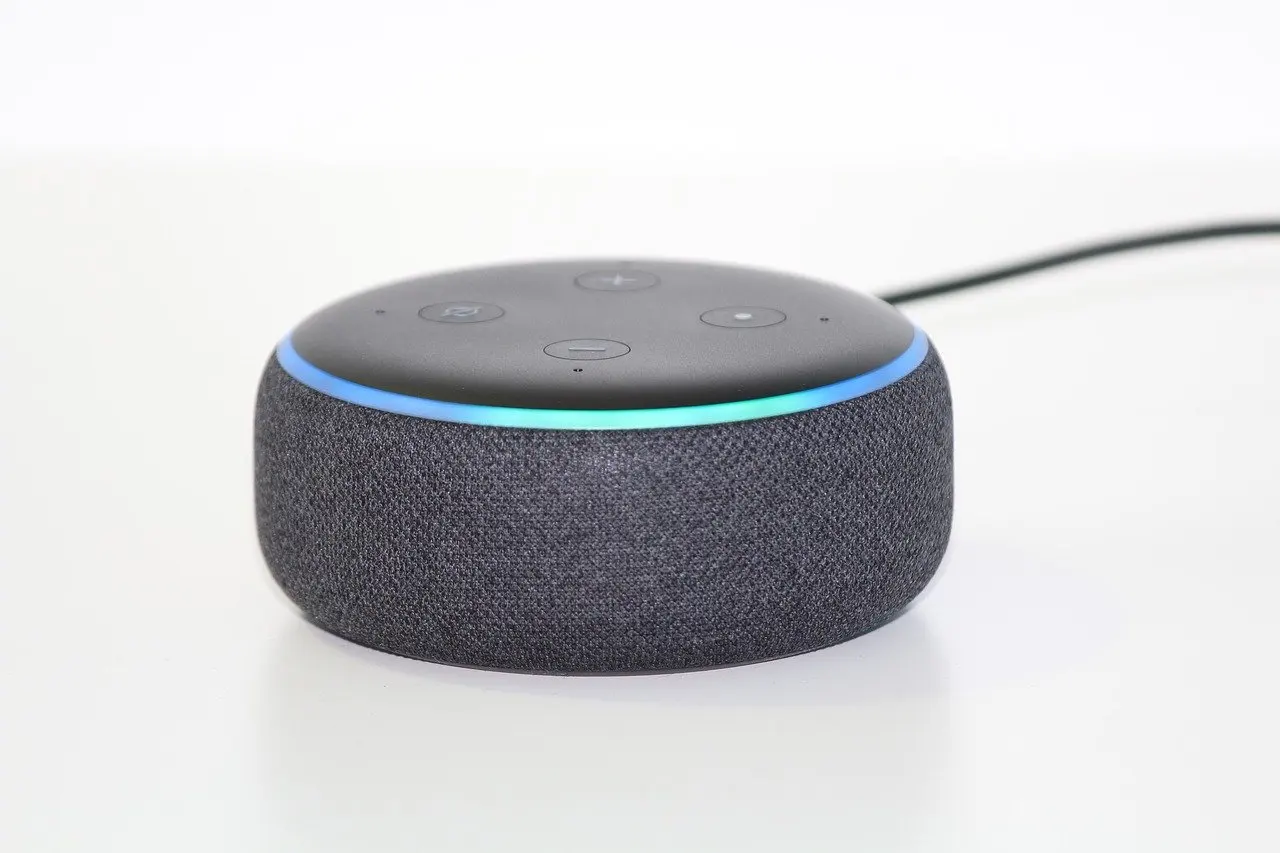
A smart hub turns the home into a command center, enabling devices from different manufacturers to communicate with each other. The question most beginners ask is whether one is required. For a simple setup it is not always necessary, because a smart speaker can act as the central controller and most devices can be run from a phone app.
When a hub earns its place
A dedicated hub becomes worthwhile when devices from different makers need to work together and the speaker’s platform does not support all of them. The decision follows the household’s own mix of devices rather than a general rule.
- Stay hubless when every device is supported directly by the chosen speaker and app.
- Add a hub when several makers’ devices must cooperate and a single platform cannot reach them all.
- Try a free app-based hub first for gaps. Platforms such as IFTTT or Yonomi are free and handy for setting up automation scenes and plugging the gaps between mismatched devices, per The Ambient.
Specific hub models are compared in the smart home hub comparison, which is the place to go once the need for a hub is clear.
Wi-Fi router and network readiness
The Wi-Fi router is the foundation of nearly every beginner setup, so its coverage deserves attention before the first purchase. The home-energy guide advises making sure the home has strong wireless coverage in every room where multiple smart devices will be placed.
That advice turns into a short routine. List the rooms that will hold devices, then check that a phone holds a steady connection in each one. A room with a weak signal is a poor place for a doorbell, thermostat or camera, and fixing coverage first saves the confusion of devices that drop offline for reasons that look like faulty hardware. A setup with devices spread across many rooms depends far more on the router than on any single gadget.
The router also connects to the compatibility rule from earlier. Each new device needs both a signal and a supported platform, and a purchase that fails either test becomes a return rather than an upgrade.
First devices compared
The table compares the five entry-level devices beginners most often meet, with a note on how each one fits into a plan.
| Device | What it does | Planning use |
|---|---|---|
| Smart speaker | Acts as the central controller and starting point for the system | Buy first when voice control is the goal, and finish its app setup before adding anything else. |
| Smart plug | Plugs into a regular outlet and is controlled by app or voice | Best low-commitment first purchase for existing lamps and appliances. |
| Smart bulb | Replaces a regular bulb in a socket, controlled by app or voice assistant | Suits households that want smart lighting without a separate appliance. |
| Smart thermostat | Learns habits and adjusts temperature automatically, building schedules over time | Add after the network and app are reliable, since it runs the heating routine. |
| Video doorbell | Lets users see and talk to visitors remotely and sends notifications | Choose when door security is the priority, and check Wi-Fi at the front door first. |
The device descriptions come from a beginner device roundup and a home-energy setup guide.
Smart speaker
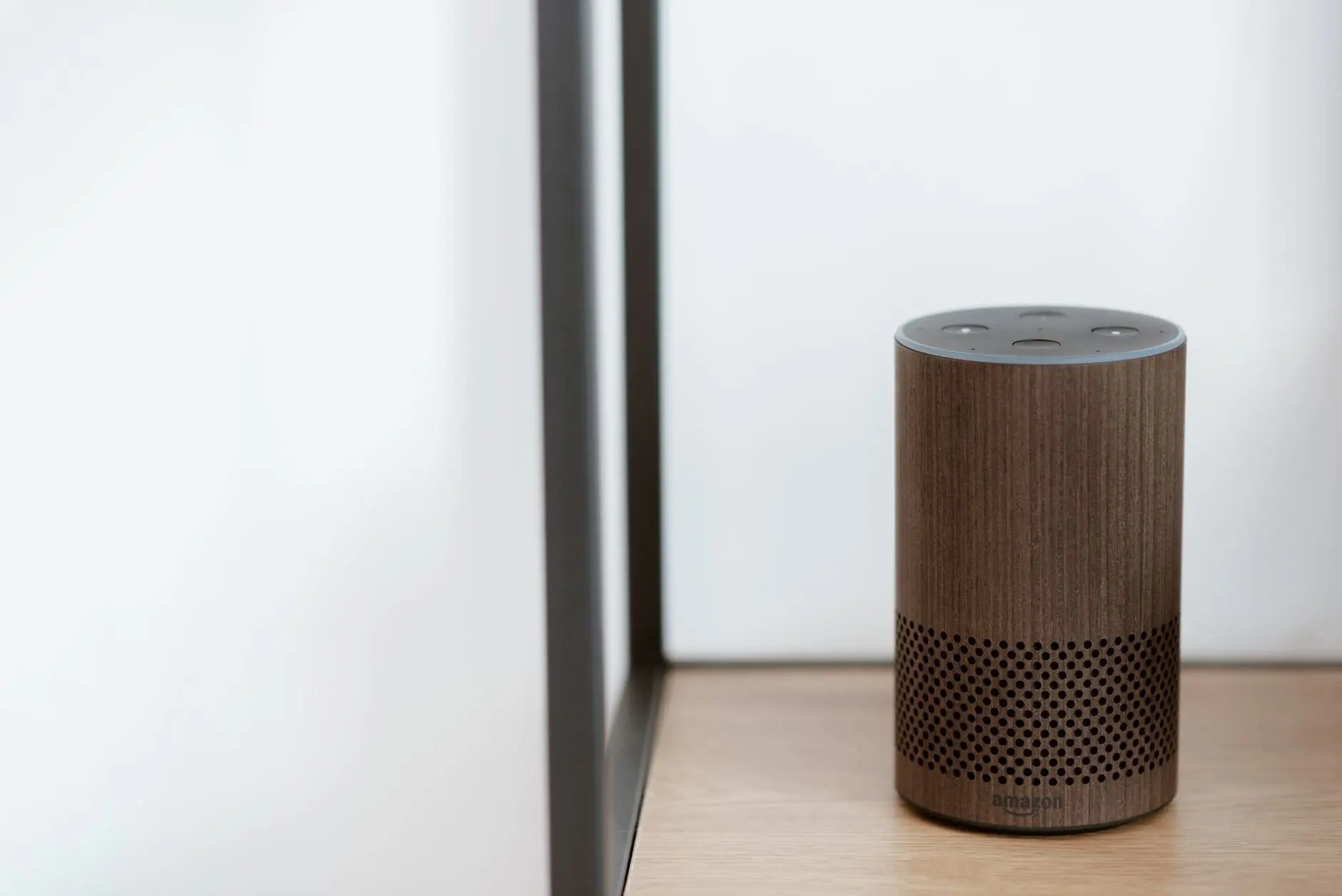
The smart speaker is the one device that doubles as a controller, which is why the roundup says the journey should start there. It is also the device that decides which ecosystem the rest of the home joins. A beginner who buys the speaker first, and finishes its app setup before anything else arrives, has a stable base for every later device.
Smart plugs
A smart plug plugs into a regular outlet, connects wirelessly and is controlled remotely through an app or voice command. Because it turns any ordinary appliance into a controllable one, it is the most forgiving first purchase. A lamp, a fan or a coffee machine becomes smart without replacement, and the plug can be moved to another appliance later.
Choose a plug when the appliance has a simple on or off use. It is a poor match for anything that needs more than a power switch, such as a device that must be adjusted rather than simply switched.
Smart bulbs
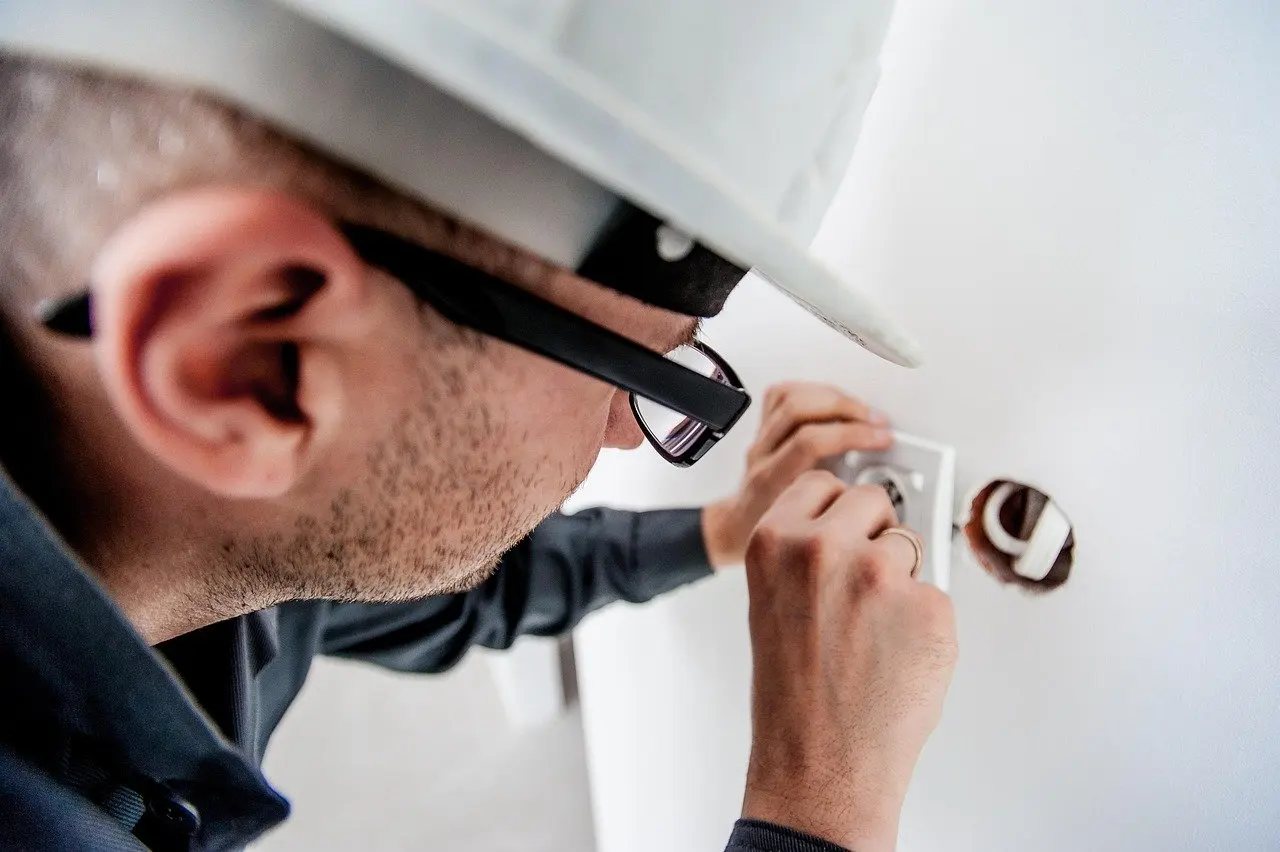
Smart bulbs take the place of regular bulbs in a socket and are controlled by app or voice assistant. They suit anyone who wants lighting control without touching a plug or an appliance. A household comparing models can use the guide to the best smart light bulbs, and one weighing a bulb against a wall control can read smart switch vs smart bulb.
Lighting also works well as a first step because it delivers results quickly, and convenience and energy savings are the two benefits most often cited for it.
Smart thermostat
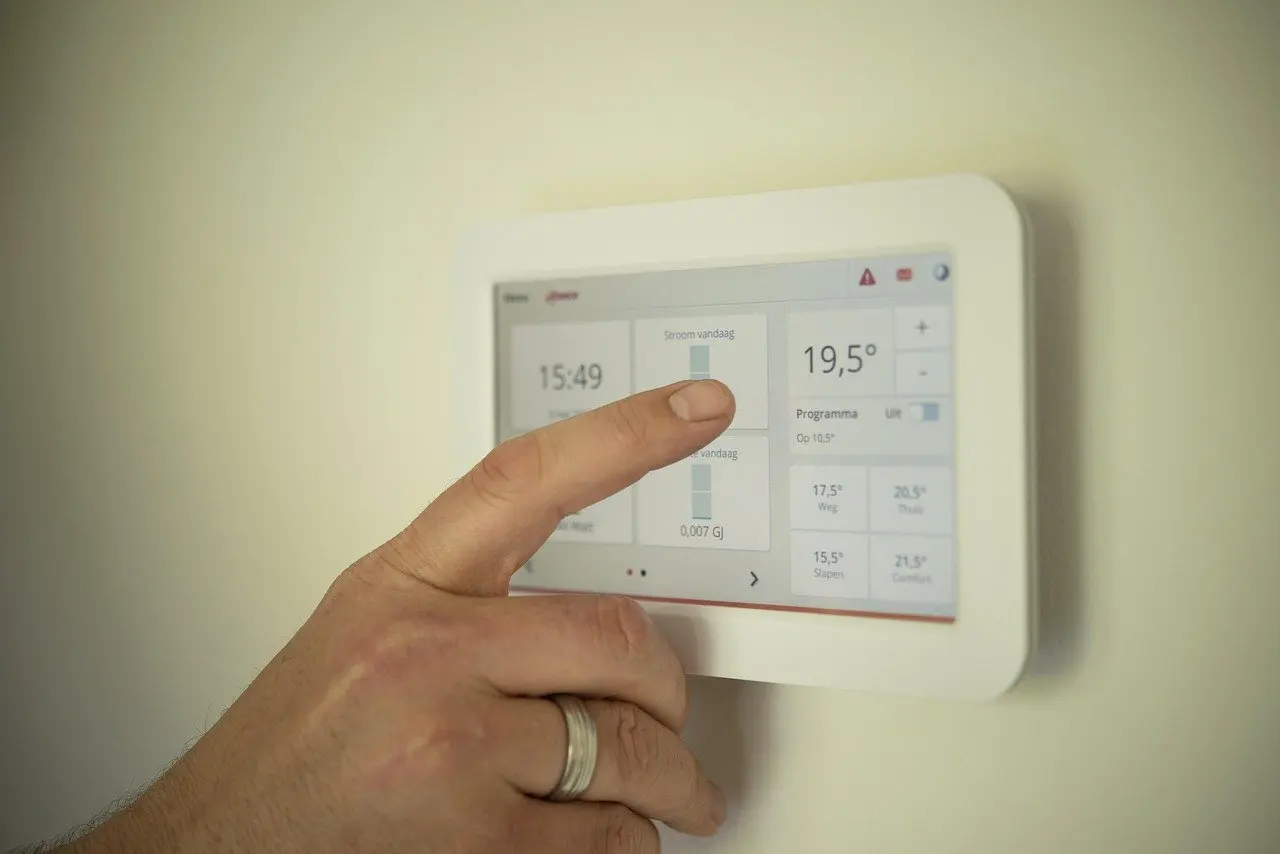
Smart thermostats learn a daily routine and do a good job of creating schedules over time, so the benefit grows after installation rather than appearing immediately. It makes sense to add one only after the network and app have proven reliable, because it controls the home’s heating routine and a flaky connection would be more noticeable there than on a lamp.
The installation involves the heating system, so read the guide on how to install a smart thermostat before ordering.
Video doorbell and other security devices
Security devices include smart locks, video doorbells, indoor and outdoor cameras, window sensors and motion detectors. The doorbell is the easiest entry point because it can be fitted where an existing bell sits and gives remote sight and speech from a phone. The step-by-step process is in the guide on how to install a video doorbell.
Locks come later in most plans. The reasoning is simple: a doorbell can be tested and tuned without affecting access, while a lock changes how the household gets in. Readers weighing that step can learn how do smart locks work before committing.
Building automations that last
Automation is where a collection of devices becomes a smart home, and the advice for beginners is to start with simple automations that solve everyday problems and then scale as needed. The temptation is to build elaborate scenes immediately. A better approach is to wait until each device has behaved reliably on its own.
- Pick one irritation. A lamp left on, a cold room on arrival or a missed visitor at the door each suggest a clear first routine.
- Link two devices at most at first. A routine with few parts is easy to diagnose when it misbehaves.
- Expand only after it works. Once a routine has run reliably, add further actions to the same trigger, since automation can fire a number of actions at once.
Thermostats show the principle well, since they learn habits and adjust the temperature automatically. That learning is itself a type of automation, and it suggests leaving the device alone for a while after installation rather than constantly overriding it.
Managing everything in one app
As devices accumulate, the number of apps can become the real annoyance. Most smart devices can be controlled using a smartphone app, tablet or voice assistant, and the ecosystem’s own app is the natural home for them. Choosing the ecosystem early is what keeps the app count low.
When devices from different makers will not sit together in one app, free app-based platforms such as IFTTT or Yonomi can fill the gaps, as noted earlier. A comparison of options is available in the guide to the best smart home app, which covers how to manage devices in one place.
Buying checks before each purchase
A short checklist before every purchase does more to prevent regret than any single product choice. Always check compatibility before purchasing new smart home devices, and treat that as the first item on the list.
- Confirm the platform. The device should name the ecosystem already in use, or be Matter compatible.
- Confirm the signal. The room where it will sit should have strong wireless coverage from the router.
- Confirm the job. The device should solve an everyday problem, not simply add novelty.
- Confirm the budget. Costs vary by device and brand, and the guide on how much does a smart home cost helps set expectations before spending.
Following the checklist keeps the plan consistent with the opening principle: one ecosystem, a reliable network and simple devices, expanded one problem at a time. A household that holds to those three habits can add speakers, plugs, bulbs, thermostats and doorbells in whatever order suits it, and still keep the freedom to change platform later.
Frequently asked questions
| Question | Answer |
|---|---|
| How do I start a smart home? | Choose one ecosystem, confirm the Wi-Fi reaches every room that will hold devices, then add a simple device such as a plug, bulb or speaker. |
| Do smart devices need a hub? | Not always. A smart hub lets devices from different manufacturers communicate, but a smart speaker can serve as the central controller for a simple setup. |
| Which smart devices are easiest to set up? | Smart plugs and smart bulbs are the simplest to fit, since a plug uses a regular outlet and a bulb replaces a regular bulb in its socket. |
| What is Matter? | Matter is a standard designed to make other smart home systems work together, which makes mixing brands easier. |
| Do I need to learn Zigbee before buying? | No. With the launch of Matter, setup is much easier than a few years ago, so Zigbee terms are less necessary for beginners. |