
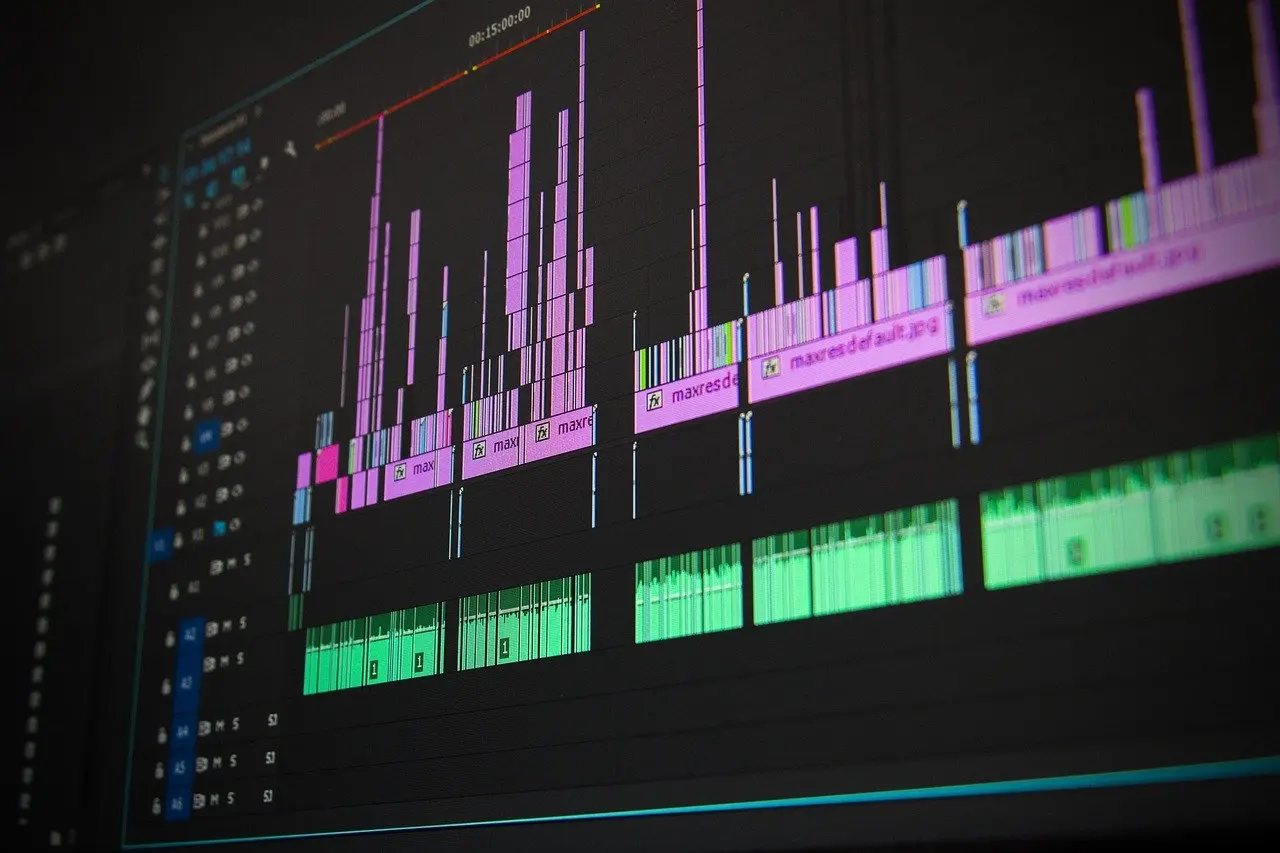
The best free video editing software depends on your computer. PCWorld’s guide favours DaVinci Resolve for machines with 16 gigabytes of RAM and an SSD, and Clipchamp for anyone on Windows 11, where it comes built in.
Free editors differ mainly in what the free tier limits, so the comparison below focuses on cost, platform and hardware. For other software decisions, such as how to choose a password manager, the apps and software hub collects the related guides.
Side-by-side comparison
| Editor | Free tier | Platform or hardware noted | Planning use |
|---|---|---|---|
| DaVinci Resolve | Free for individual users; a paid version also exists | At least 16 gigabytes of RAM, an SSD, and a graphics card or integrated graphics with at least 2 gigabytes of video memory and OpenCL 1.2 or CUDA 11 support | Choose it if your computer meets those figures and you are willing to learn a full professional editor. |
| Clipchamp | Basic version free for everyone; extra features need a subscription | Built into Windows 11 | Choose it if you already run Windows 11 and want an editor without a separate install. |
| Adobe Premiere Pro | Not free, unlike Resolve | Interface that Resolve’s own layout resembles | Treat it as the paid benchmark rather than a free option. |
The figures come from PCWorld’s free video editing guide, which describes the hardware figures as what Resolve requires.
DaVinci Resolve: the full-featured free editor

DaVinci Resolve is the strongest free choice when you want professional tools without paying. PCWorld notes that it is one of the four video editing programs used in the movie and television industry, and that, unlike Adobe Premiere Pro, Avid Media Composer and Apple Final Cut Pro, it is free for individual users.
- Who it suits: people with a capable computer who expect to edit regularly and want room to grow rather than a quick one-off tool.
- What the free tier costs you: little for most home users. PCWorld says the paid version “doesn’t add much that the average home user will miss”, so the free edition covers typical projects.
- What it demands: time. PCWorld warns of a learning curve and advises expecting to keep at it for a while before the program feels comfortable.
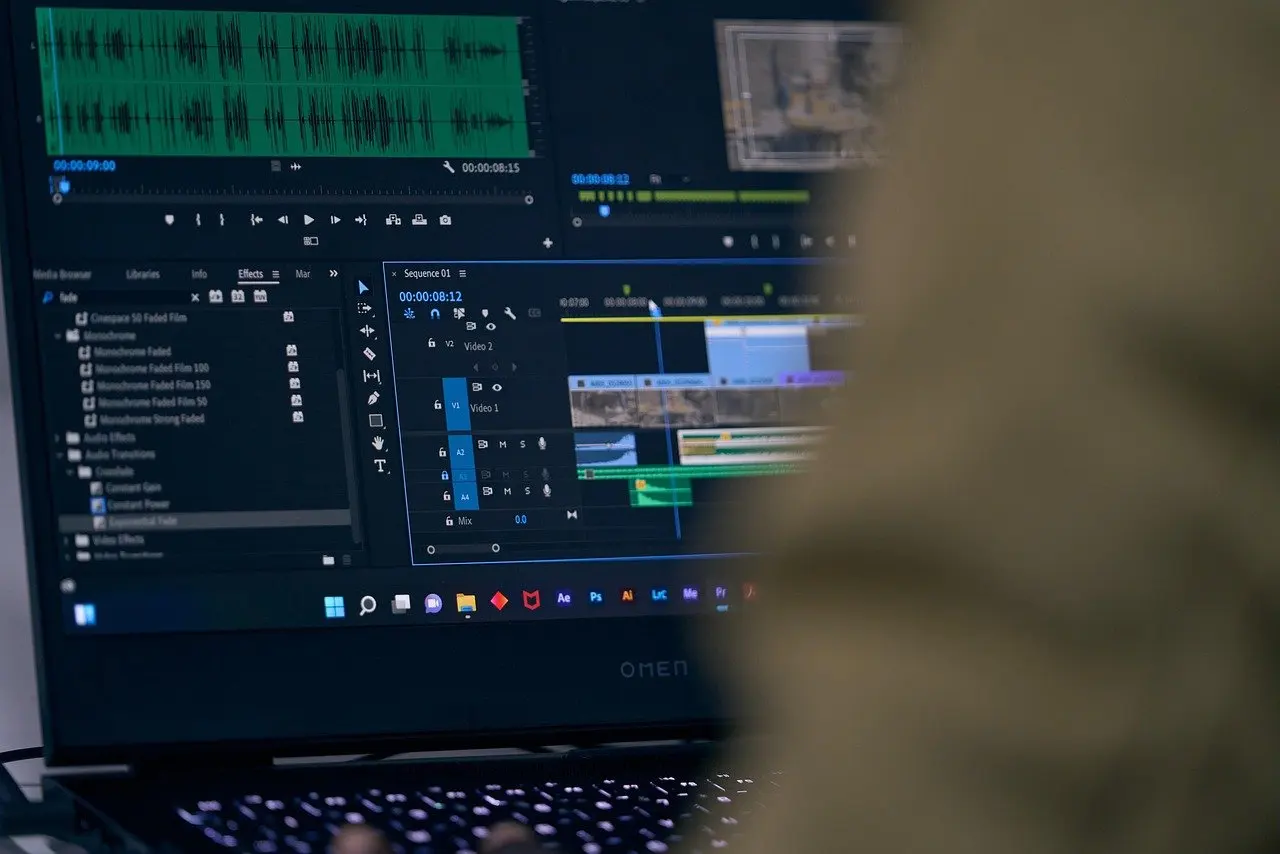
Resolve is a nonlinear editor, so changes never touch the original files. That makes it safe to experiment, and it is why the paid tier matters less than the hardware you run it on.

DaVinci Resolve vs Premiere Pro
DaVinci Resolve and Adobe Premiere Pro are close in approach but differ in price. Resolve has an interface similar to Premiere’s, so anyone who has tried Premiere before will find the layout familiar, while only Resolve is free for individual users.
The practical split follows from that:
- Pick Resolve if you are learning on your own budget, or you are curious about professional workflows without committing to a paid tool.
- Stay with Premiere if you already know it, or if a workplace or collaborator uses it. Familiarity saves more time than a free licence when deadlines are tight.
- Switching either way is gentler than it sounds, because the similar interface carries habits across.
Anyone searching for a free route into professional-style editing therefore has a direct answer in Resolve, with Premiere as the paid comparison point.
Clipchamp on Windows 11
Clipchamp is the low-friction option for Windows 11 users. PCWorld describes it as a built-in application in Windows 11, and its basic version is free for everyone.
- Who it suits: people who want to start editing today without downloading anything, and who edit occasionally rather than daily.
- The condition: more features require a subscription, so look at what sits behind it before you plan a project around a specific effect or export option.
- When to move on: if you outgrow the basic version, Resolve is the free step up, provided the computer meets its hardware needs.
Best pick for beginners
For most first-time editors on Windows 11, Clipchamp is the easiest place to start because nothing needs installing. Resolve is the better long-term learning investment, as long as you accept the learning curve PCWorld describes.
Beginners who choose Resolve can soften that curve. PCWorld points to the Cut tab, which offers the easier of two ways to put a film together, so you can assemble a rough edit there before touching the more advanced workspaces.
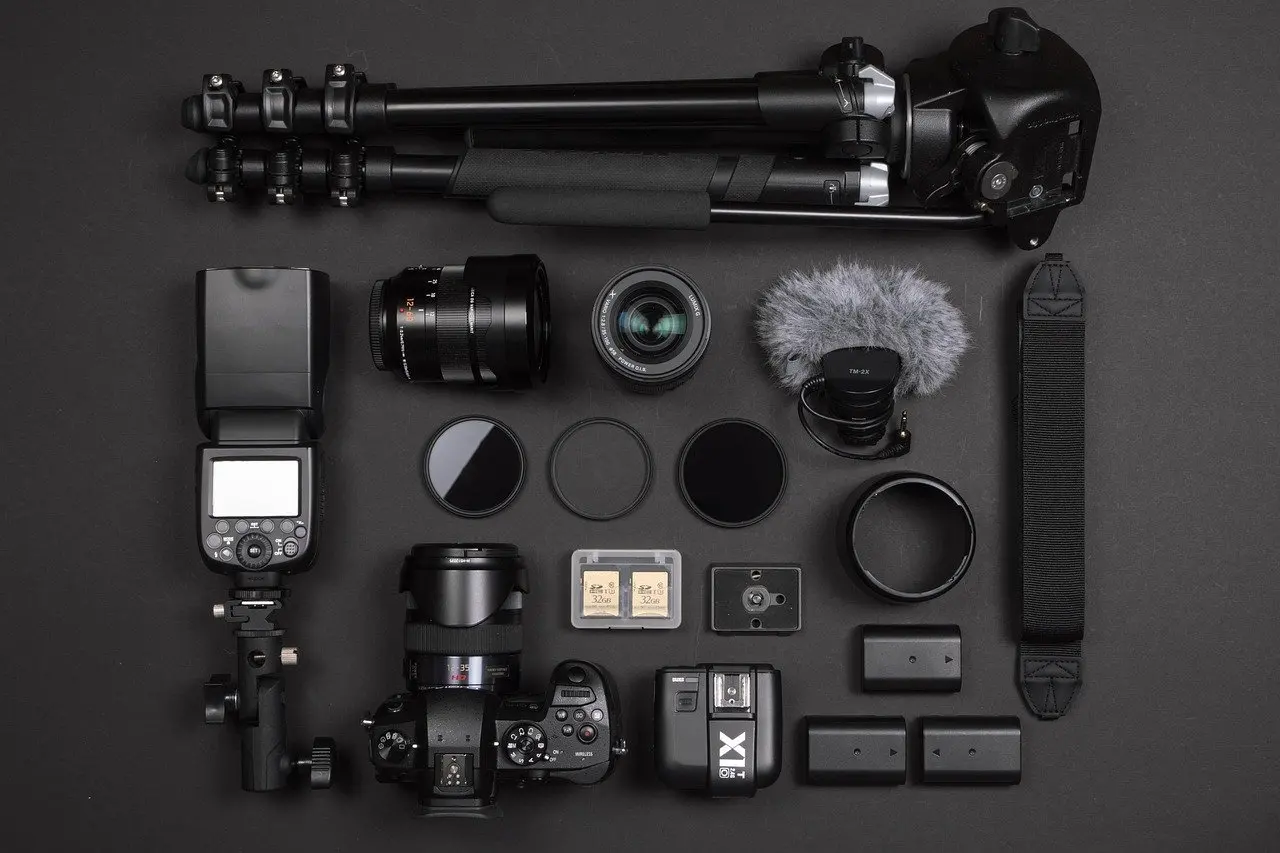
A sensible beginner routine is to copy footage from the memory card, build a rough sequence, and only then explore effects. Because Resolve does not alter the originals, a mistake in the sequence costs nothing.
What computer specs free editors need
Resolve has the clearest hardware bar of the free editors. PCWorld reports that it requires at least 16 gigabytes of RAM, an SSD for storage, and a graphics card or integrated graphics with at least 2 gigabytes of video memory and support for OpenCL 1.2 or CUDA 11.
- Treat these as minimums: they are the floor for running the program, not a target for comfortable work on large projects.
- Check memory first: a computer below the RAM figure is the main reason to prefer a built-in editor such as Clipchamp.
- Check storage type: the SSD requirement means an older hard-drive-only laptop is a poor match for Resolve.
Clipchamp’s hardware needs are not given in the PCWorld guide, so Windows 11 compatibility is the practical test for it.
Choosing by device and checking free-tier limits
Device decides the shortlist before features do. On a Windows 11 computer, both Clipchamp and Resolve are available, subject to Resolve’s hardware figures. People looking for CapCut alternatives on a computer can begin with these two free desktop editors.
Before committing to a long project, check what the free version limits. The unique decision factors are:
- Feature gating: Clipchamp’s extra features sit behind a subscription, so confirm the effects you want are in the basic version.
- Export settings: in Resolve, the Deliver tab is where you set the resolution and file format before starting an export, so test a short export early.
- Licence scope: Resolve is free for individual users, which is the condition to confirm if you edit for an organisation.
Creators who edit study or tutorial footage may also find the best language learning apps comparison useful when deciding what to record.
Frequently asked questions
Which free video editor is best for beginners?
Clipchamp is the easiest start for Windows 11 users because it is built in and free in its basic version. DaVinci Resolve suits beginners willing to learn, and its Cut tab is the easier editing route.
How does DaVinci Resolve compare with Premiere Pro?
Resolve has a similar interface to Premiere Pro, but it is free for individual users while Premiere Pro is not. Resolve’s paid version adds little that the average home user will miss.
What computer specs do free editors need?
PCWorld lists at least 16 gigabytes of RAM, an SSD, and graphics with at least 2 gigabytes of video memory plus OpenCL 1.2 or CUDA 11 support for Resolve.
Is Clipchamp really free?
Its basic version is free for everyone. More features require a subscription.